NCalc
A downloadable game
I will no longer announce new software or updates in the ZX Spectrum Next Facebook group. One of its administrators deletes my posts without giving any reason, and I am not willing to tolerate that kind of behaviour.
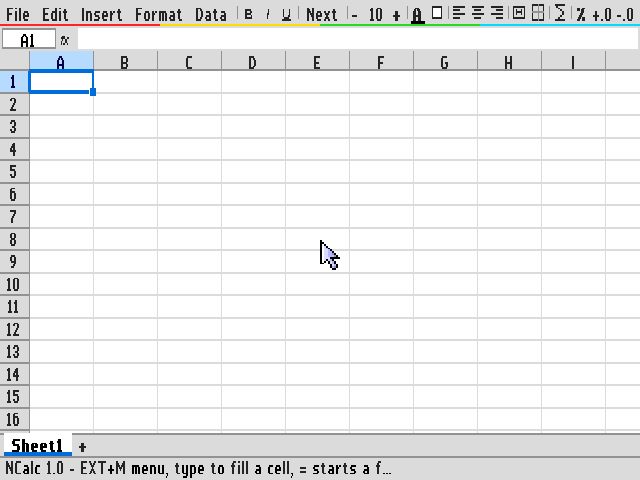
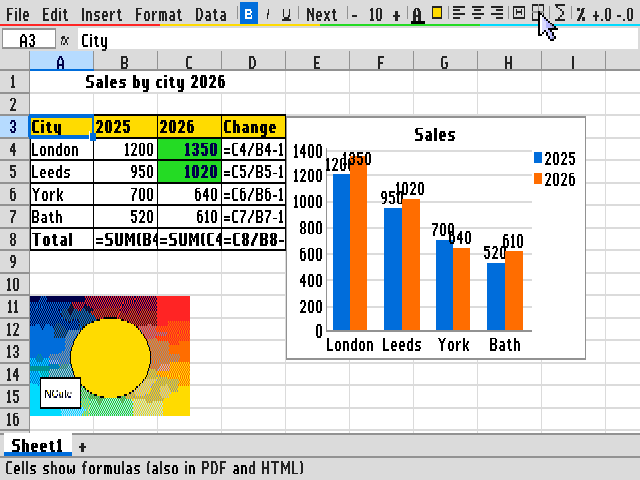
NCalc is a graphical spreadsheet for the ZX Spectrum Next, written entirely in Z80 assembler. It runs in the 640×256 Layer 2 mode, works with both keyboard and mouse and brings you what you know from the big spreadsheets: formulas with 101 functions, cell formatting, multiple sheets, charts, pictures, conditional formatting and export to PDF, HTML, XLSX and CSV. It can also import workbooks from Excel.
It shares its look with NWord and NMail: the same fonts, menu bar, file dialog and animated mouse cursors.
Features
- Sheets of 256 columns (A–IV) × 4096 rows, up to 12 sheets per workbook.
- Excel-style entry: just start typing; numbers, percentages, dates, times and TRUE/FALSE are recognised automatically.
- Formulas with operators, absolute and relative references, ranges, references to other sheets (
Sheet2!B3) and the usual error values. Click a cell while typing a formula to insert its reference. - 101 functions – maths, statistics, text, logic, lookup (VLOOKUP, HLOOKUP, INDEX, MATCH), SUMIF / COUNTIF / AVERAGEIF, date and time (NOW uses the NextZXOS clock) and more.
- Own floating point with 15 significant digits and Excel-like decimal rounding –
0.1+0.2really is0.3. - Number formats: general, fixed decimals, thousands separator, percent, scientific, currency, date, time, text.
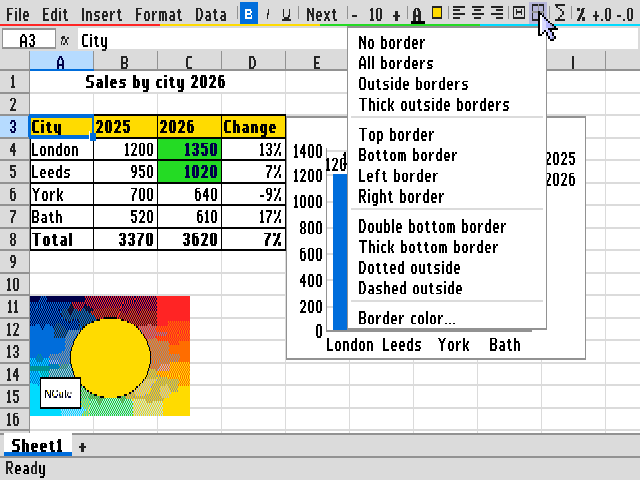
- Cell formatting: four fonts in six sizes, bold, italic, underline, font and fill colours, horizontal and vertical alignment, word wrap, many border styles, merged cells.
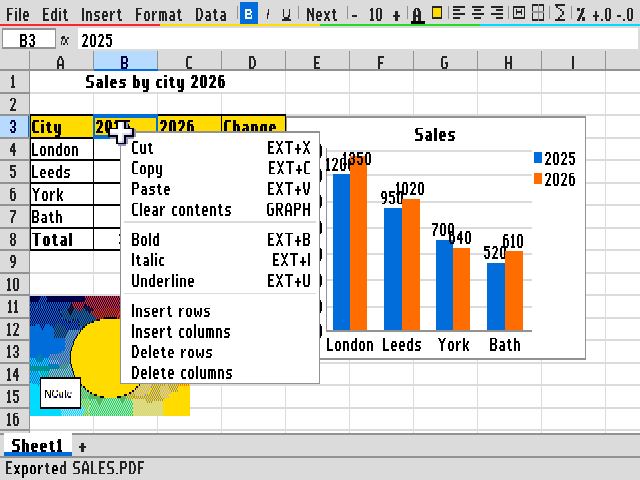
- Mouse: select cells and ranges, resize columns and rows, drag the fill handle to continue a series or copy formulas, wheel scrolling, right-click context menu.
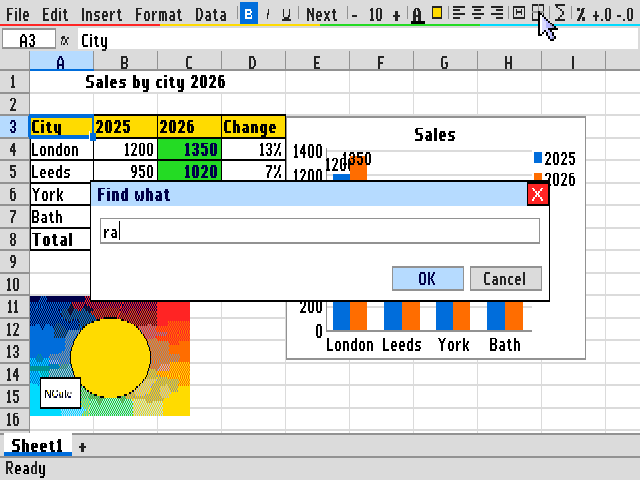
- Editing: copy / cut / paste with reference adjustment, insert and delete rows and columns, fill down / right, AutoSum, find and replace, sort, freeze panes, show formulas instead of values.
- Undo and redo for almost everything.
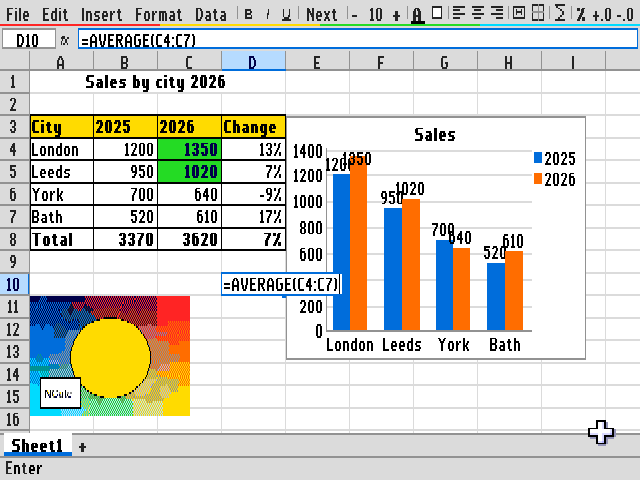
- Charts: column, stacked, bar, line, area, pie and XY scatter, with title, legend, grid, value labels and manual axis limits. Charts float over the sheet and can be moved and resized with the mouse.
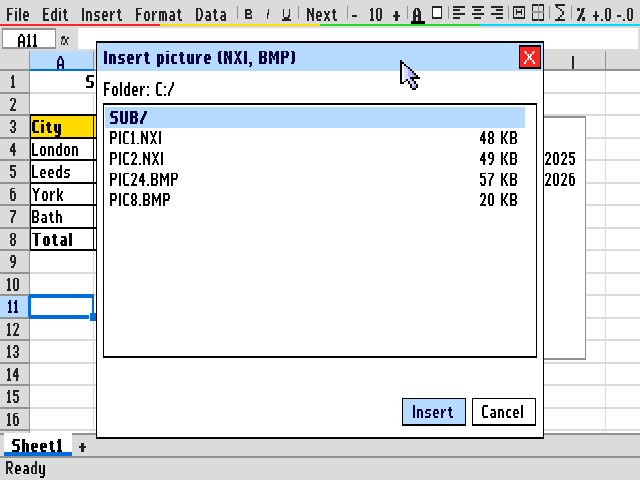
- Pictures: NXI and BMP images placed over the sheet.
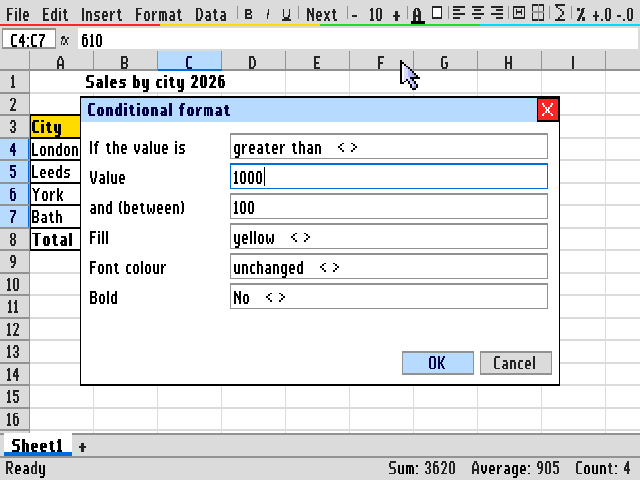
- Conditional formatting: up to 16 rules per sheet.
- Status bar shows sum, average and count of the selection.
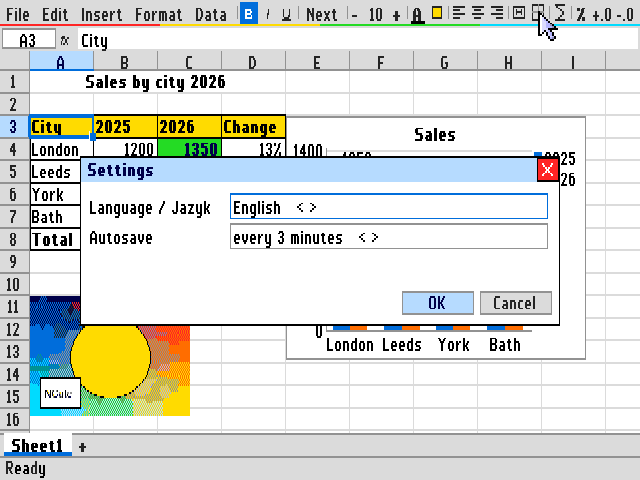
- Automatic backup with recovery after a crash, recently opened files, English and Czech user interface, built-in help (EXTEND+H).
Files, export and import
- Native .NCL workbook format.
- PDF export of the current sheet on A4 (portrait or landscape) with fonts, colours, borders and vector charts.
- HTML export of all sheets, charts as SVG.
- XLSX export for Excel and LibreOffice: values, formulas, styles, merged cells, column widths, native Excel charts and pictures.
- XLSX import from Excel: values, formulas, styles, number formats, merged cells, multiple sheets, charts, PNG and BMP pictures and (optionally) hyperlinks. Large workbooks are loaded as far as memory allows.
- CSV / TXT import and export (UTF-8 and CP1250, separator detected automatically).
Requirements
- ZX Spectrum Next (or compatible) with 2 MB of RAM.
- SD card with NextZXOS.
- A mouse is recommended, but everything can be done from the keyboard.
How to run
- Dot command – copy the file
NCALCtoC:/DOT/and type.ncalcin BASIC, optionally with a file name:.ncalc budget.ncl,.ncalc data.csv,.ncalc "Sales 2026.xlsx". File › Exit returns to BASIC with your program and variables intact.
A full user guide with screenshots (PDF, English and Czech) is included in the download.
Download
Click download now to get access to the following files:
Comments
Log in with itch.io to leave a comment.
Looks great will grab this when my next arrives.
You don't have to buy, just download and enjoy ;)
Are you sure you seem to have put a lot of work into this?
Well, any reward is welcome, but on the other hand, my main concern is that the ZX Spectrum Next should continue to develop and not be stifled by software fees...
Not going to lie I rarely pay for each individual game but once I download a few from someone I then pay on the last. You have many games etc I want but I cant use them all at once, So I will likely download a few and pay then come back for a few more over time. But keep up the good work. I just need my next.